
Your mail on your Mac, readable by the agents you allow
OpenMail keeps your mail in a SQLite database on your Mac. The app, a CLI and an MCP server all use that one database. AI agents such as Claude Code and Codex can read the accounts you allow. When an agent wants to change your mail, OpenMail turns the change into an AI suggestion, and nothing happens until you approve it in the app.
It syncs Gmail, personal Outlook and IMAP accounts and talks directly to your mail provider. There is no OpenMail server and no telemetry.
OpenMail is in early testing. There is no public download yet. Build it from source.
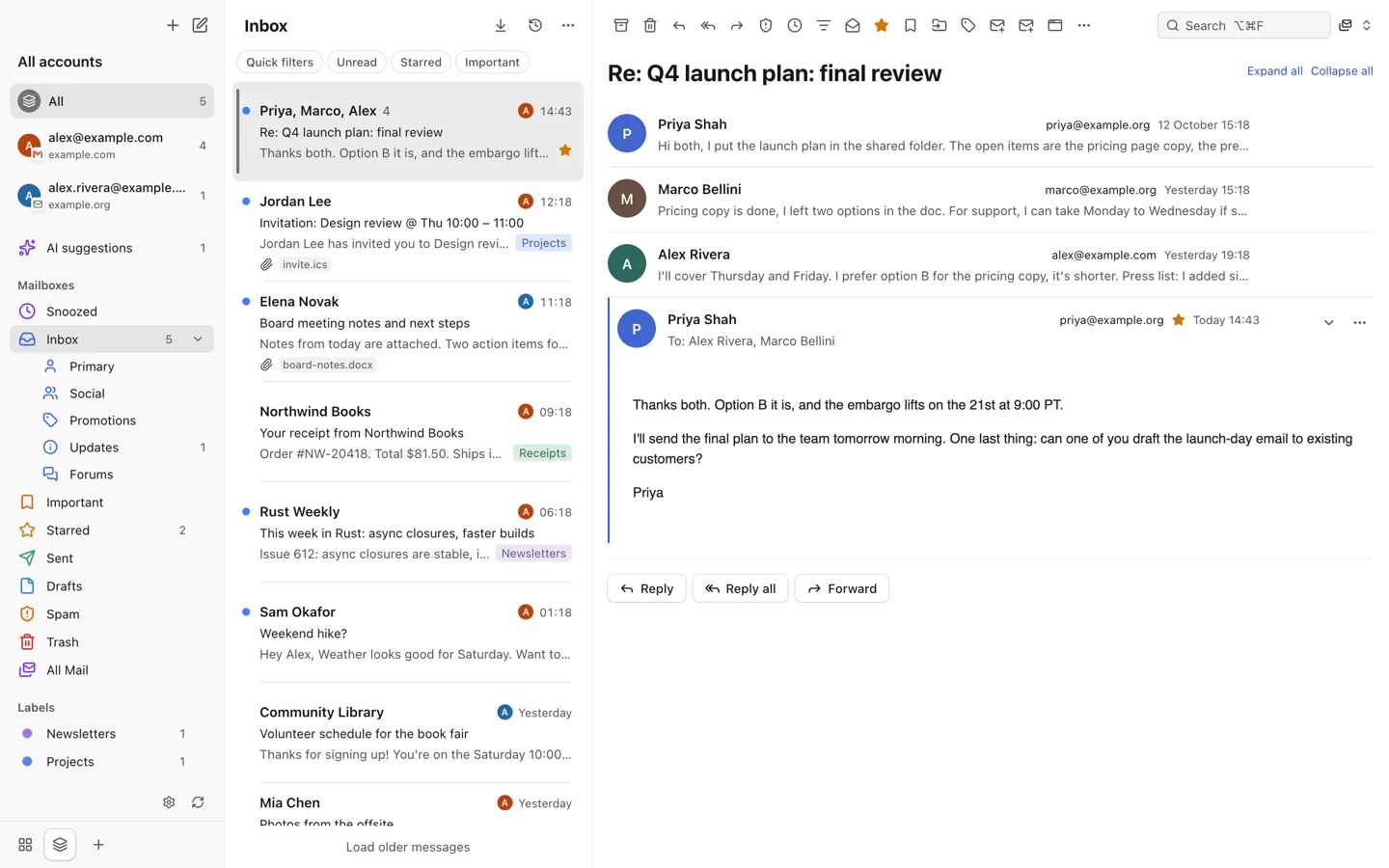
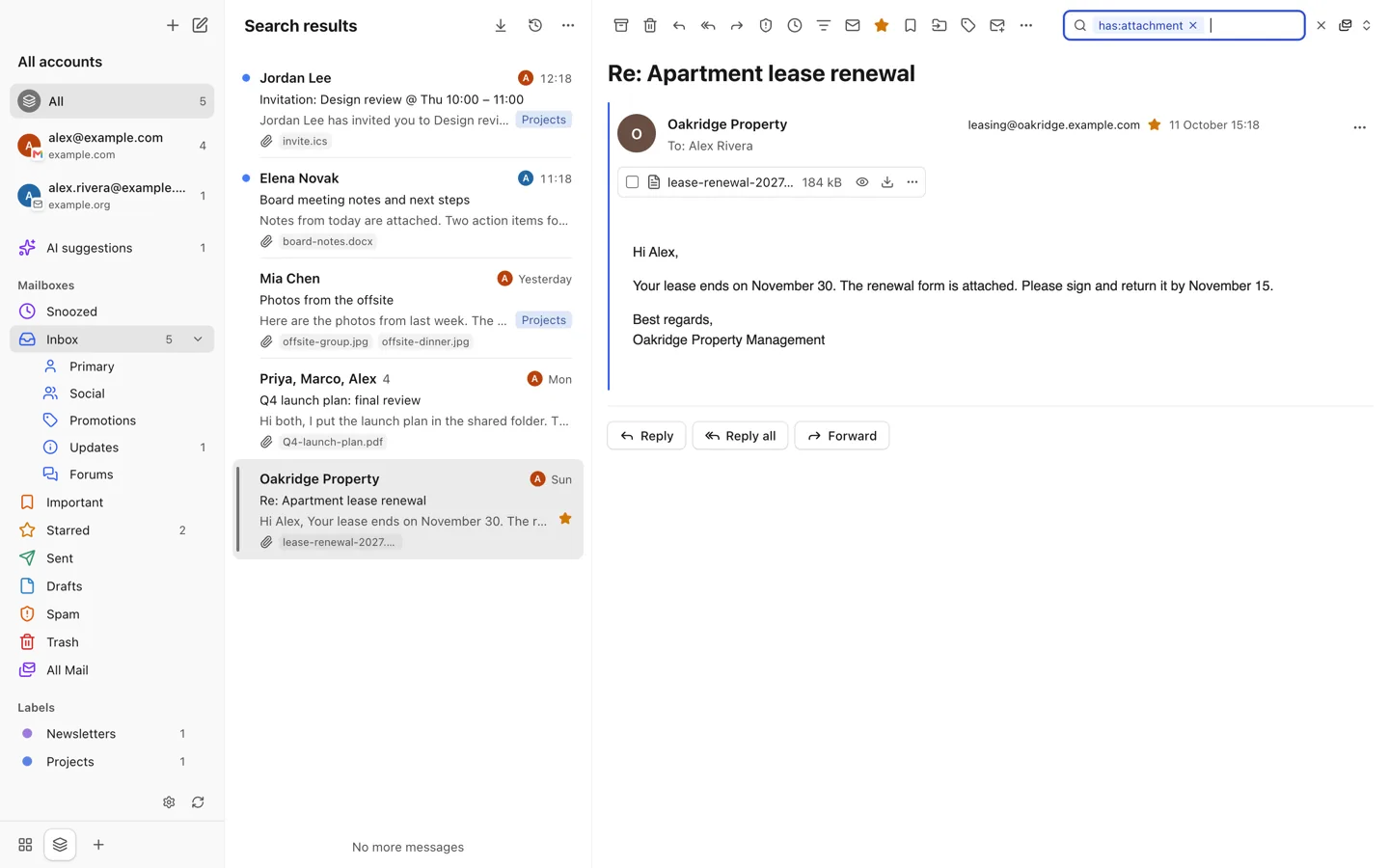
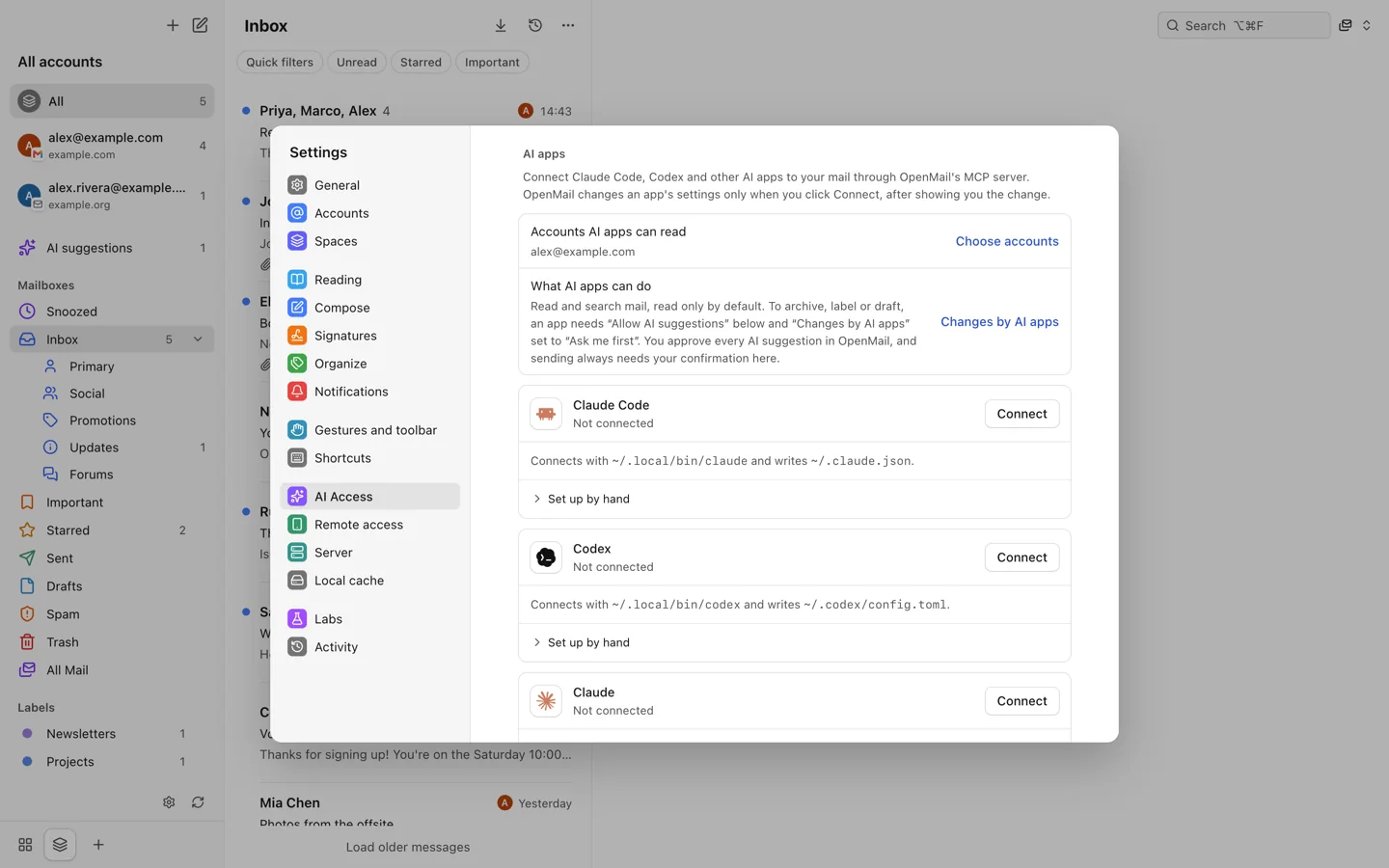
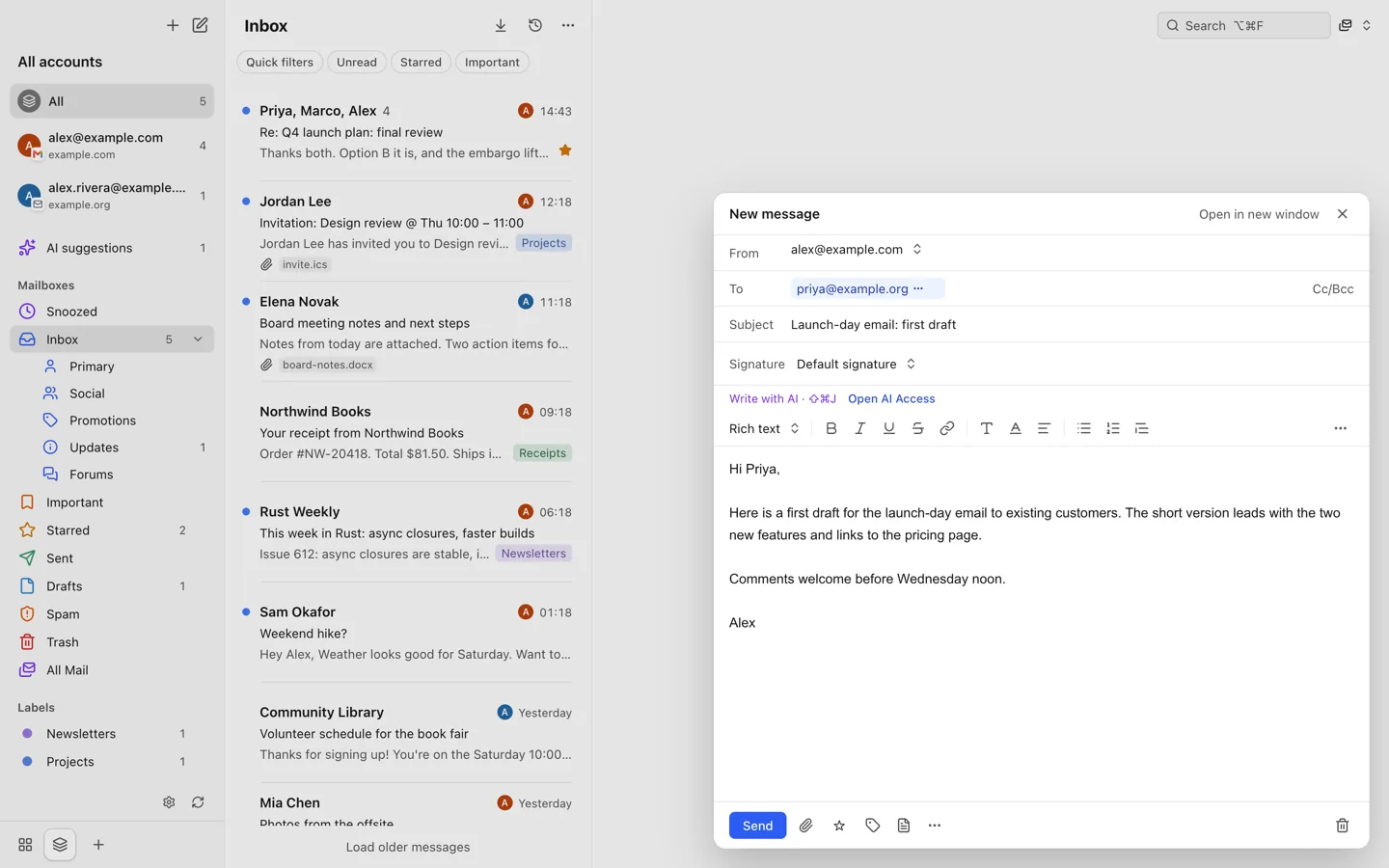
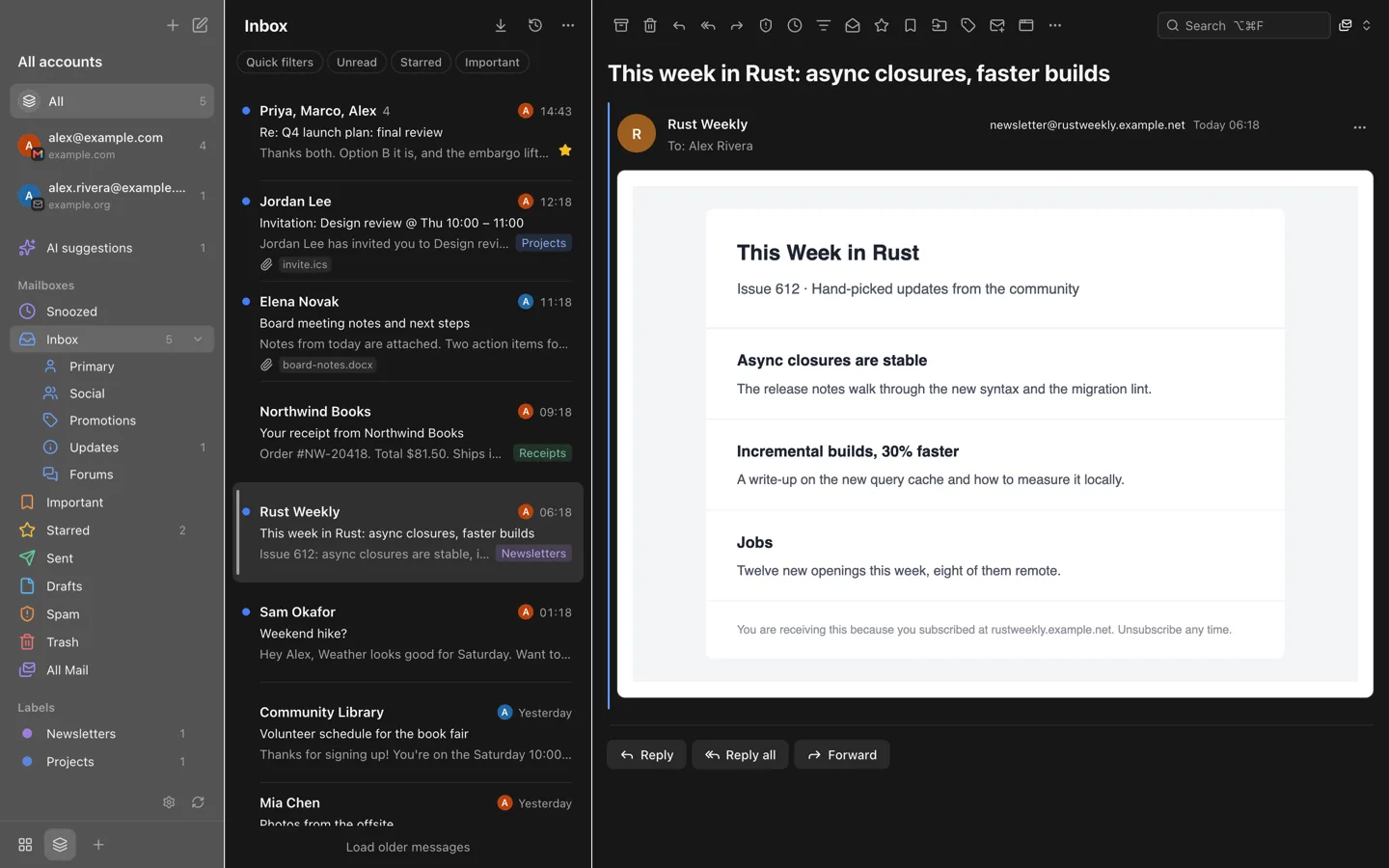
Screenshots use fake demo mail.
AI agents, with your approval

Here an MCP request under Claude Code's client name asked to archive three newsletters. OpenMail listed the request under AI suggestions with the agent's reason. The newsletters left the inbox only after Approve.
- Per-account consent. An agent sees an account only after you turn on Allow AI to read this account for it. OpenMail checks this on every tool call.
- Read-only by default. MCP tools read and search mail. Changes by AI apps starts at Read only, which makes every write tool refuse.
- AI suggestions. Write tools take two switches: check Allow AI suggestions when you connect the app, and set Changes by AI apps to Ask me first. Then modify_threads, snooze_threads and draft_message create AI suggestions. Each one waits in AI suggestions until you approve or reject it.
- No agent sends mail. A drafted message opens in the composer, and you send it yourself.
The CLI and MCP page lists every tool and the approval rules.
Accounts
Gmail, personal Outlook accounts (outlook.com, hotmail.com, live.com), iCloud, Yahoo, QQ, 163, Fastmail and any IMAP/SMTP server. Work and school Microsoft 365 accounts are not supported.
Sync and organize
Incremental sync, an offline change queue, undo history that survives a restart, snooze, labels and nested folders, Gmail categories, server filters and auto-replies.
Compose
Drafts sync with the server. Write in rich text, plain text or Markdown. Undo send for up to 30 seconds, templates, named signatures, send-as addresses and contact completion.
Read and search
Conversation and single-message views. Local full-text search with boolean, phrase, date and size operators, plus optional server search. Optional on-device OCR, PDF text and semantic search.
Keyboard first
Three shortcut sets: Mimestream, Gmail and Apple Mail. Spaces group accounts, and the interface is available in ten languages.
AI, off by default
With your own Anthropic API key and per-account permission: summaries, a mail assistant, rewrite and translate in compose, and inbox triage suggestions.
CLI and MCP
A command line tool and an MCP server read the same local database. MCP is read-only by default. Write tools only create AI suggestions, and sending always needs your confirmation in the app.
Safe reading
Message HTML renders in a sandbox with scripts disabled. Remote images load by default after known trackers are removed. You can load them only from known senders or ask each time.
How it compares
| Feature | OpenMail | Mimestream | Spark | Thunderbird | Apple Mail |
|---|---|---|---|---|---|
| Source | Open (MIT) | Closed | Closed | Open (MPL 2.0) | Closed |
| Price | Free | Paid subscription | Free, with paid plans | Free | Included with macOS |
| Platforms | macOS (mobile in development) | macOS | macOS, iOS, Android, Windows | Windows, macOS, Linux, Android | macOS, iOS, iPadOS |
| Gmail | Yes (Gmail API) | Yes (Gmail API) | Yes | Yes (IMAP) | Yes (IMAP) |
| Personal Outlook | Yes (Microsoft Graph) | No | Yes | Yes | Yes |
| Other IMAP | Yes | No | Yes | Yes | Yes |
| Mail path through a vendor's server | No | No | Yes, for some features | No | No |
| Maturity | Early testing | Mature | Mature | Mature | Mature |
OpenMail is younger than all of these and has rough edges. The table reflects the products' public pages as of October 2026. If a cell is wrong, please open an issue.
Built in the open
OpenMail is MIT-licensed. The source, issues and releases are on GitHub. Star the repository to follow releases, and open an issue when something breaks.
Where your data lives
Mail, attachments and the search index stay in a database on your Mac. Sign-in tokens, IMAP passwords and API keys go into the macOS Keychain.
- Your mail provider. Google, Microsoft or your IMAP/SMTP server, using the permissions you approve on their sign-in page.
- Anthropic, only if you turn on AI. Message text for the accounts you allow, sent with your own API key.
- Senders’ image servers. Remote images load by default, so a sender's server can see when you open the message. OpenMail removes known tracking pixels first. You can load images only from known senders or ask each time.
- GitHub, for updates. Signed builds check the public repository for new versions, without an account or token.
- Nothing else unless you turn it on. Optional features that reach other servers are listed in the privacy policy.